An editable story
A narrative direction you can refine before committing to images and video.
 aigenerator.tv
From a story synopsis to an editable screenplay, consistent characters and detailed shots. Create a game trailer, character reveal or world-building cinematic, one decision at a time.
Screenplay, settings, storyboard, video. Four steps from an idea to a game cinematic.
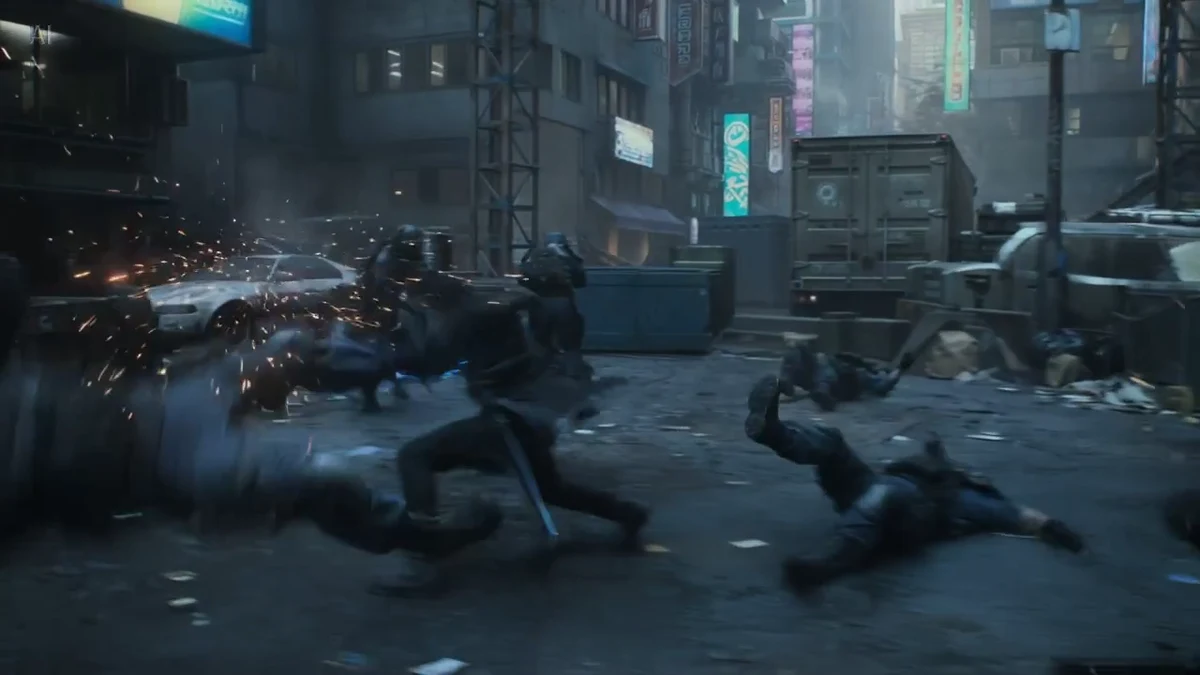
Screenplay → settings → storyboard → video. Default 16:9, with 15-second shots where supported. Edit and confirm before each generation stage.
Start with the world, the character’s goal and the central conflict. Refine the screenplay before generating imagery, then control how each shot reveals your game’s identity.
A narrative direction you can refine before committing to images and video.
Detailed prompts and reference images that guide each generated clip.
Merge completed shots in order, preserving available scene audio. Preview, download and share your game video.
Build a hook, reveal the conflict and finish with a memorable moment.
Show a hero’s silhouette, signature equipment and distinctive action.
Introduce a location, a faction or a turning point through a complete cinematic story.
Screenplay → settings → storyboard → video. Default 16:9, with 15-second shots where supported. Edit and confirm before each generation stage.
Explore the four-step example ↗Upload TXT/Markdown or enter a synopsis for AI to write the screenplay directly. Edit the full script and choose the target length, model, aspect ratio, quality and style.
Confirm the treatment to extract its characters, locations and props. Generate or upload a reference image for each, then review the visual identity before creating the storyboard.
Edit each detailed shot in one text box: action, framing, camera movement and how it connects to the next shot. Use @ to reference images. Choose a model, ratio and duration per shot, then generate, review or regenerate it independently.
Merge completed shots in order, preserving available scene audio. Preview, download and share your game video.
Yes. Use a UTF-8 TXT or Markdown document up to 1 MB and 16,000 characters, or paste the text. Other document formats can be exported to TXT first.
Yes. Edit the treatment before confirming its references, then refine the combined shot scripts. Each shot has its own settings and regeneration action; video generation uses credits.
The workflow creates AI game cinematics guided by your screenplay and references. It does not record a game engine or guarantee exact gameplay mechanics. Sound support depends on the chosen model.
Prepared vector animation for testing, not AI-generated footage. Settings do not change this sample. Download exports the sample; share copies its demo link. GAME VIDEO EXAMPLE · Explore all four steps without AI charges.
Screenplay, settings, storyboard, video. Four steps from an idea to a game cinematic.