Music leads the image
Use lyrics, approximate tempo and melodic contour to suggest a narrative arc, from the first scene to the final image.
 aigenerator.tv
Turn your song into a complete music video. Upload a track, shape its story, define the visuals, generate every shot and merge the final film with your original soundtrack.
Start with your own track. Explore the example before creating a project.
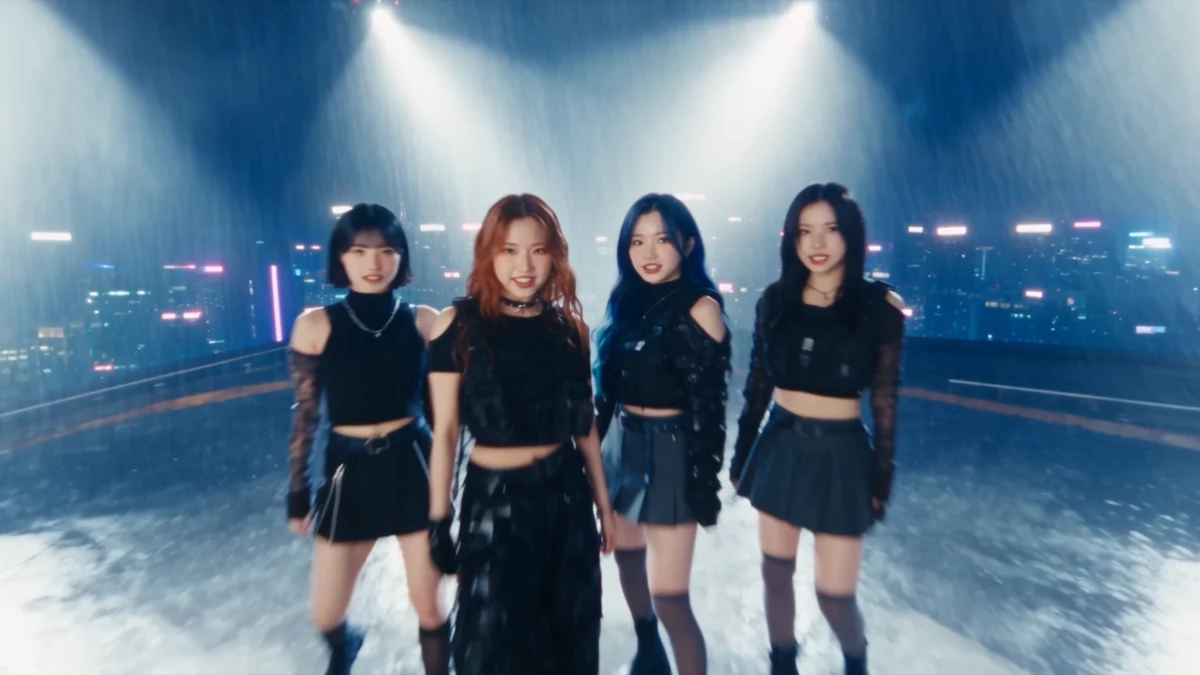
Let the intro, chorus and ending each have their own visual expression.
A music video begins with the song: its words, movement and emotional arc. AI helps develop that material into a story; you decide how the music should look and feel.
Use lyrics, approximate tempo and melodic contour to suggest a narrative arc, from the first scene to the final image.
Define recurring characters, locations and props with reference images. Reuse them across shots to guide visual continuity.
Revise the treatment, replace reference images and refine individual shot scripts. Generate again when a shot needs a different interpretation.
Start with a visual direction, then develop it through the treatment and reference images.
Give the lyrics a recurring character, a meaningful place and a story that develops with the song.
For songs with a story to tellBuild a stage identity with styling, lighting, gestures and camera movement, then vary the intensity across the song.
For singers, bands and artist conceptsUse landscapes, light, texture and movement to give instrumental or ambient music an emotional setting.
For instrumentals and mood-led tracksExplore cinematic photography, anime, 3D animation, watercolor or retro film, using the same direction throughout the project.
For distinctive releases and visual experimentsReview the creative direction at each stage before moving on. Start with a 16:9 frame and 15-second shots; available shot lengths depend on the model.
Try the five-step example ↗Upload an audio file or paste a direct audio link. Add your visual idea and choose the model, aspect ratio and style; quality follows the model configuration. Analysis uses lyrics and musical features to draft a treatment.
Read and edit the story, emotional arc and visible action. The treatment uses narrative sections without timestamps, so you can focus on what the song should express before planning the shots.
Confirm the treatment to extract its characters, locations and props. Generate or upload a reference image for each, then review the visual identity before creating the storyboard.
Edit each detailed shot in one text box: action, framing, camera movement and how it connects to the next shot. Use @ to reference images. Choose a model, ratio and duration per shot, then generate, review or regenerate it independently.
Once all shots are ready, merge them in order with the original track. Preview the complete music video, download the MP4 and open its sharing page.
A narrative direction you can refine before committing to images and video.
Detailed prompts and reference images that guide each generated clip.
Merge the sequence into a downloadable video, ready for your next release.
Current merging uses hard cuts and exports at 720p. Review continuity and pacing before sharing.
Use an audio file or a direct link to one, rather than a music-platform listening page. Instrumentals can be developed from musical features and your creative notes without inventing lyrics.
Yes. Edit the treatment before confirming its references, then refine the combined shot scripts. Each shot has its own settings and regeneration action; video generation uses credits.
The workflow uses musical features to guide the story and camera rhythm. It does not currently guarantee precise lip-sync or frame-accurate beat matching. Preview the result and refine shots as needed.
The example walks through all five steps with prepared scripts, images and media, without AI charges. Its video does not change with your selections. Start your own project to use your music and generate new material.
Have your audio and any reference images ready, along with permission to use them. Sign in to save your project and review the displayed video-generation cost before submitting shots.
Bring your track and a visual idea. Shape the story one step at a time.